WORKSAASPROTOTYPE
SevaDesk
Flagship multi-tenant business operating platform — website, CRM, customers, bookings, employees and attendance connected in one system.
- Next.js
- TypeScript
- PostgreSQL
- Prisma
- Tailwind CSS
- GSAP
From problem to product
01 / The problem
A service business ends up with a website that takes enquiries, a spreadsheet for customers, a diary for bookings, and a register for staff. None of them agree with each other, so every handover loses information and no one can answer "what is actually outstanding?".
02 / The approach
One data model behind every surface. An enquiry raised on the public site is the same record the owner triages in the CRM; a booking is the same record the staff prepare for; attendance references the same employee record. Modules share tenancy and roles rather than being integrated later.
03 / What shipped
Public tenant site at /b/{slug}

About this build
SevaDesk is built around a single idea: a small business should not need five disconnected tools to run its day. One tenant gets a public website, a CRM, customer and booking management, announcements, employee records and attendance — all connected.
Tenancy is enforced at the data layer and re-checked per request rather than trusted from the URL. The owner surface, the employee surface and the public tenant site are one application and one database, separated by authorisation checks instead of by deployment.
The studio runs its own operational work on the platform, so the product is exercised by real usage rather than only demonstrated.
WHAT THIS IS FOR
- Replaces the disconnected tools a small service business otherwise runs — a website that takes enquiries, a spreadsheet for customers, a diary for bookings, a register for staff.
- Gives one tenant its public website, CRM, bookings, announcements, employee records and attendance from a single deployment.
- Lets the studio onboard another business as a tenant instead of starting another codebase.
WHAT YOU GET FROM IT
- One record per thing — an enquiry raised on the public site is the same record the owner triages in the CRM.
- Tenancy enforced at the data layer and re-checked per request, so one business cannot read another's rows.
- Owner surface, employee surface and public tenant site are one application separated by authorisation checks, not by deployments.
- The studio runs its own operational work on it, so the product is exercised by real usage rather than only demonstrated.
How it is structured
- Public tenant site at /b/{slug}
- Tenant website, catalogue, booking and enquiry intake
- CRM — leads, customers, enquiries, follow-ups, tasks
- Bookings, documents, applications and escalations
- Workforce — employees, shifts, leave, holidays, attendance
- Owner surface at /owner/{slug}, employee surface alongside
- One Next.js app and one PostgreSQL database, separated by tenancy checks
What it does
- Multi-tenant architecture
- Business website per tenant
- CRM — leads, customers, communication
- Bookings and service management
- Announcements
- Employee records and attendance
- Owner dashboard per tenant
Platform capabilities
- Multi-tenant isolation re-checked per request
- Owner-authored CMS with a tolerant read path and a strict write path
- Per-tenant visual identity as a token object
- Server-resolved language so the first paint is already correct
What the public sees
- Public business website and service catalogue
- Service search and booking requests
- Announcements and updates
- Application and document status by token
What the team uses
- Owner dashboard
- CRM — leads, customers, enquiries, follow-ups, tasks
- Bookings and appointments
- Document review and status transitions
- Employee records, shifts, leave and attendance
- Transactions, reports and analytics
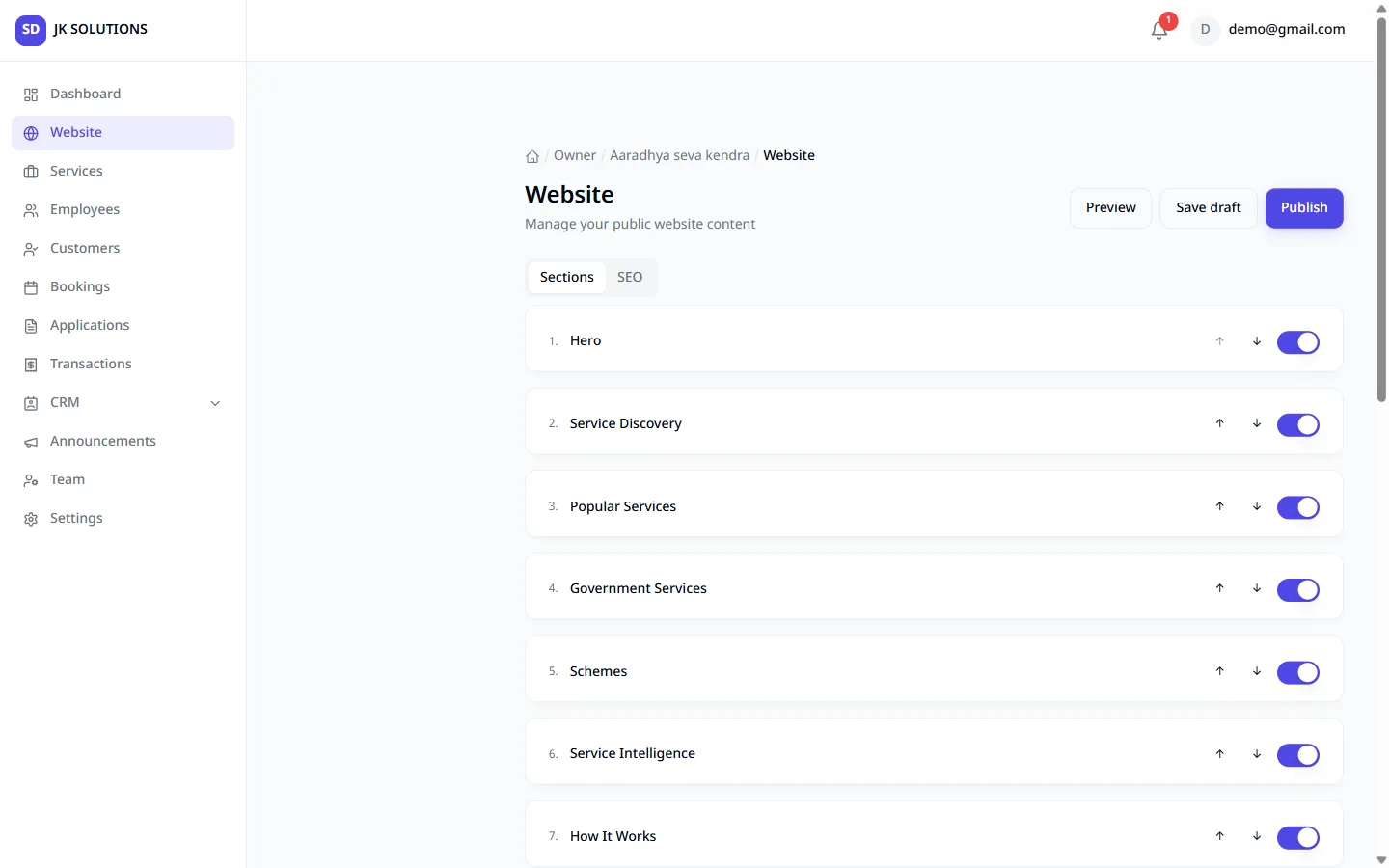
- Website block editor
- Team, notifications, settings
Connected systems
- WhatsApp outbound — booking notifications via an OpenWA instance
- WhatsApp inbound — gateway webhook, HMAC-SHA256 signed, timing-safe, fail-closed
- Transactional email via Resend
Captured from the running system
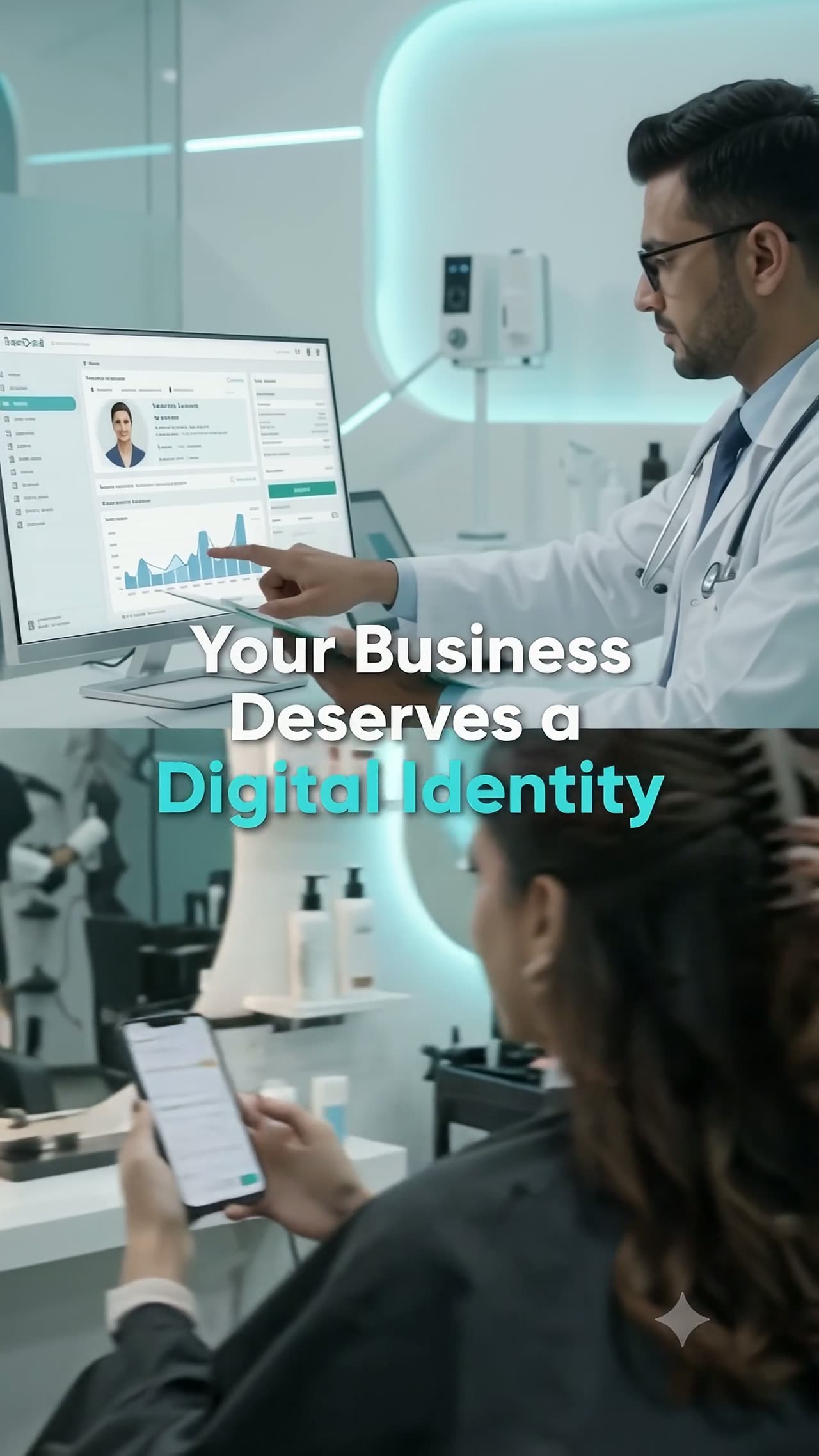
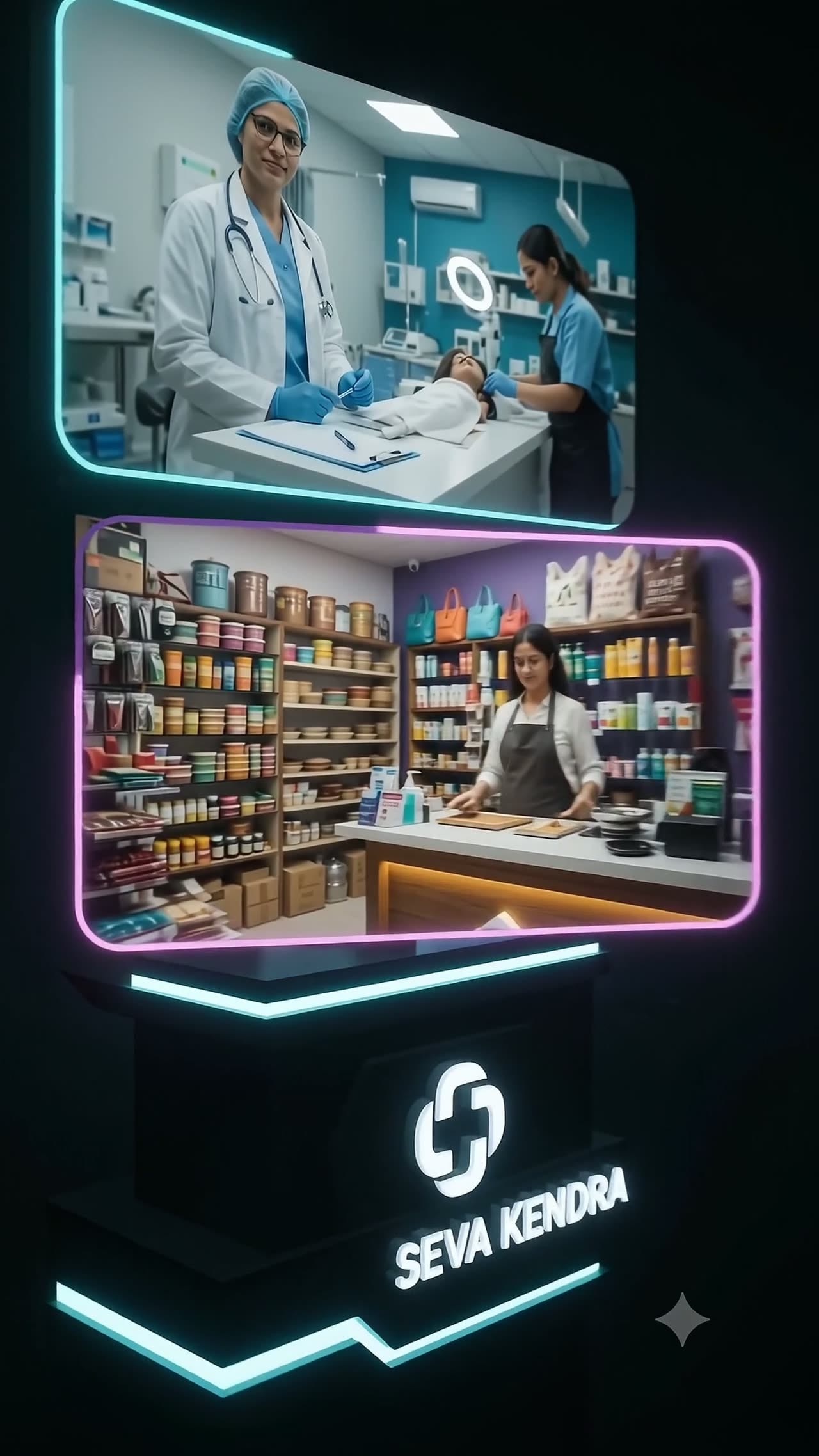
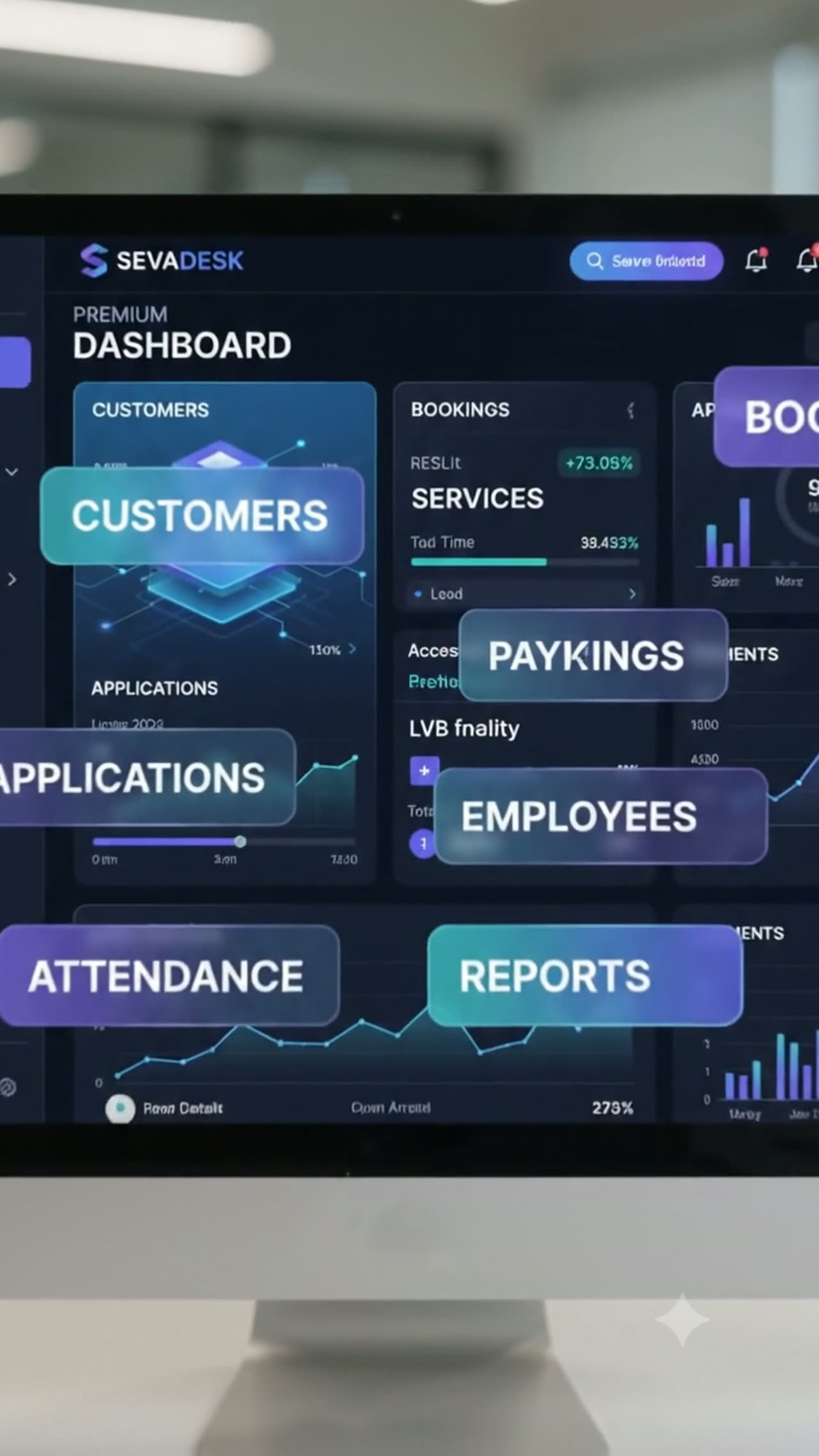
Advertisement and promotional work
Software is only half the story. These are the advertisements and promotional creatives produced to present and communicate the product.


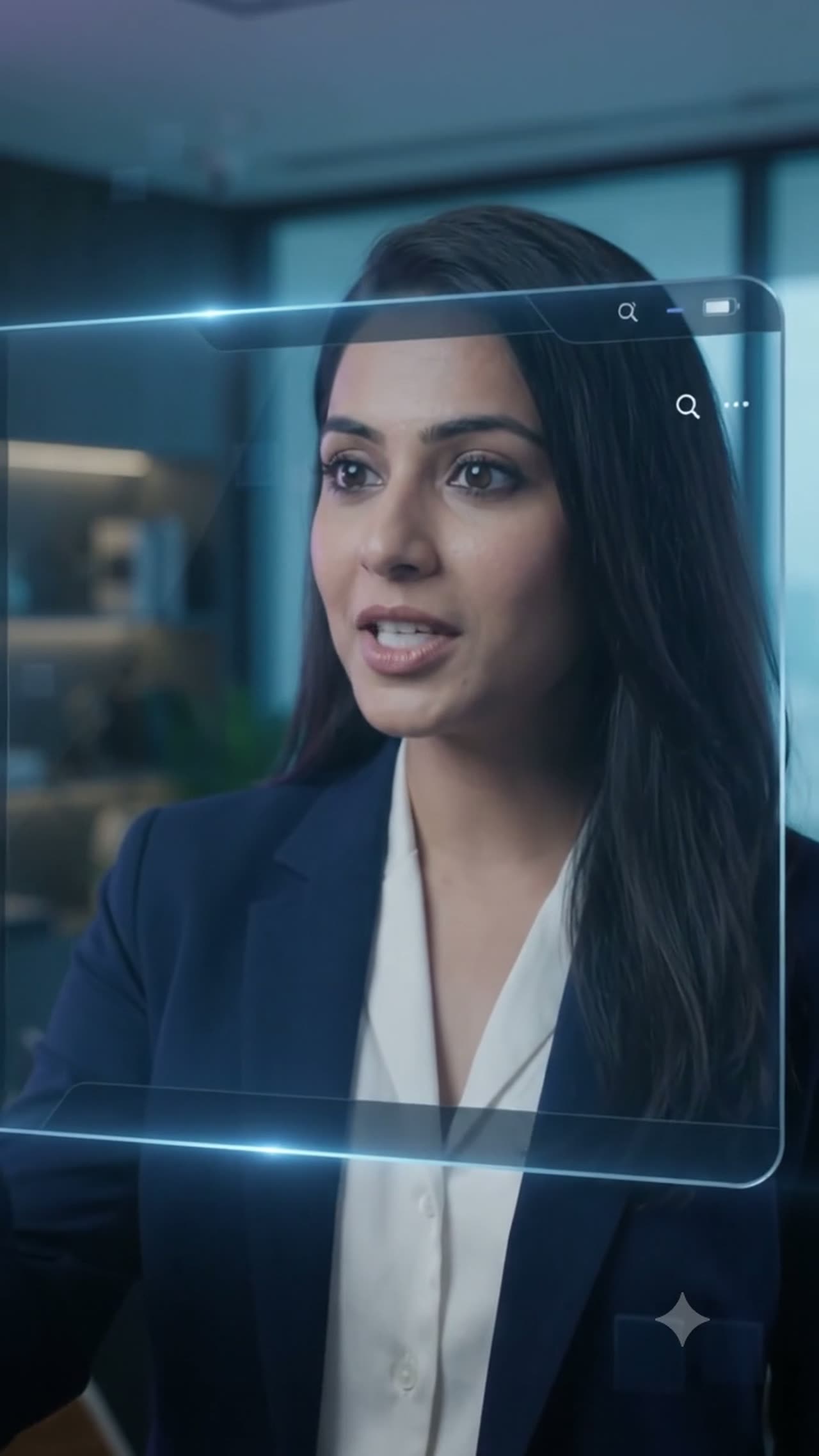
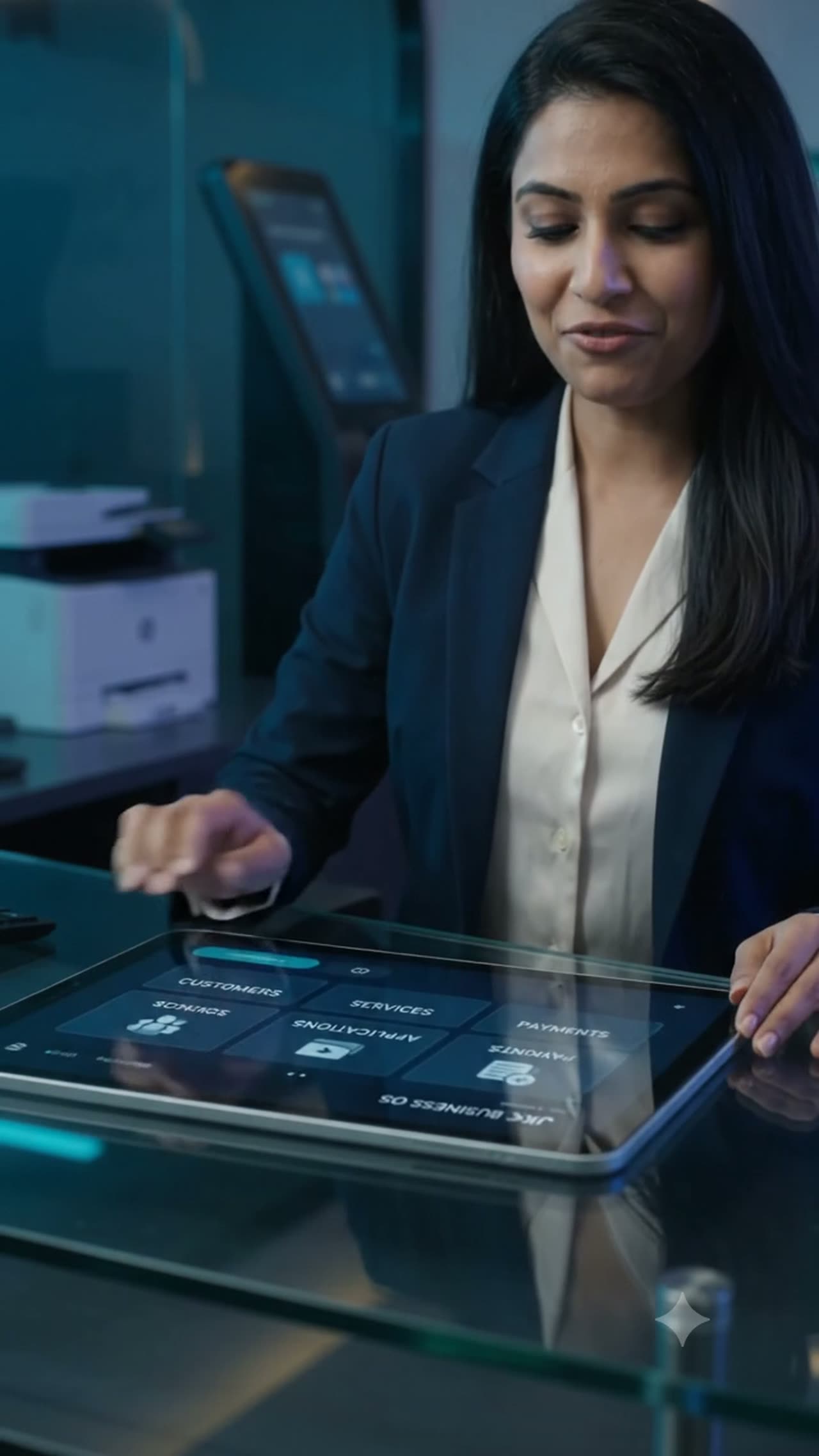
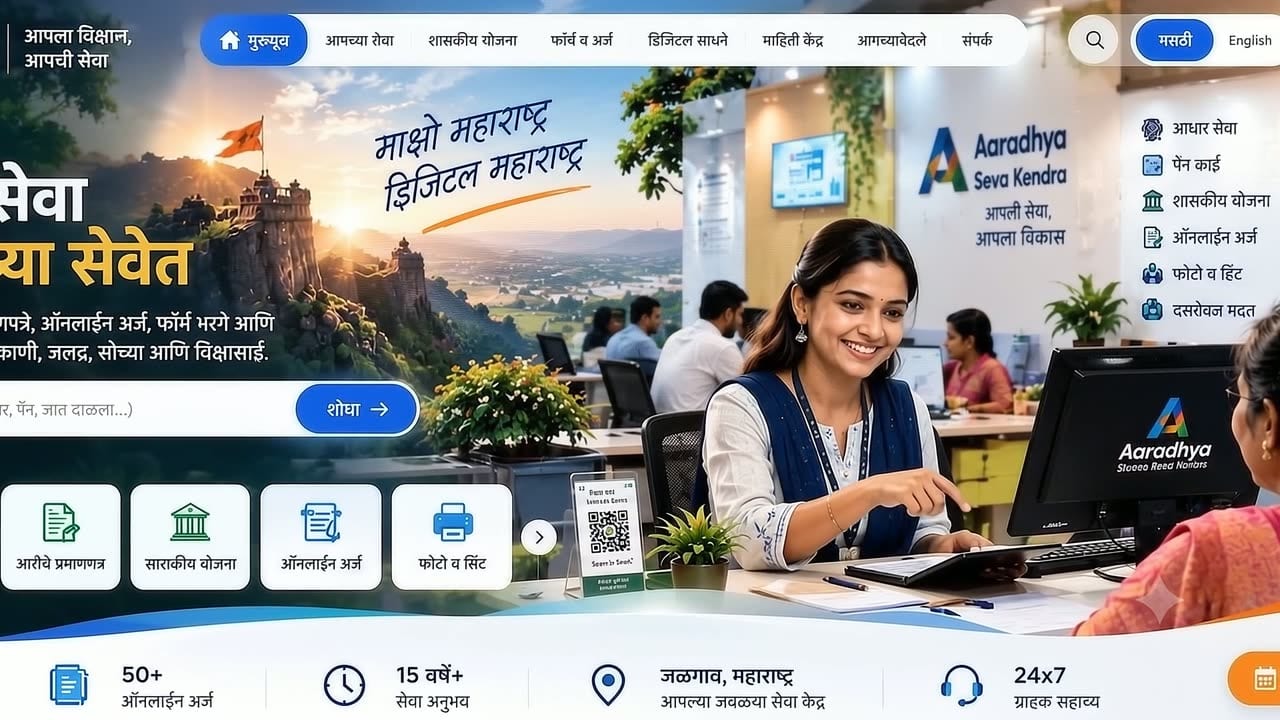
No public URL to link to. The platform runs against a local database with two seeded tenants, and access is provisioned per tenant rather than by self-service sign-up — so there is no demo login to hand out either. A product URL is added the moment it is deployed somewhere real.
One message — what happens today, and what you want instead. A straight answer within a day, including when it does not need building.
← All work